Guide
Templates and briefs
Updated Sep 25, 2026 · 6 min read

A template is a content type with a chain of skills and a brief form. WriterDean ships 91 of them in 19 families, and a workspace can add its own. This guide explains the catalog, the brief fields, how a plain sentence finds the right template, and how to run many pieces at once.
The catalog
Templates is the gallery. Each card names the template, its family and the skills its chain loads, ending with the humanizer. The filter chips group the families the way the reference design does: Blog and SEO, Website copy, Social media, Digital ads, Email, Ecommerce, Video, Sales, PR and launch, Strategy, General writing.
| Family | Templates | Examples |
|---|---|---|
| Blog and long form | 8 | Blog post, how to guide, listicle, pillar guide, glossary page, statistics roundup, case study, newsletter article |
| Comparison and alternatives | 3 | X vs Y, alternatives to X, best of roundup |
| Programmatic SEO | 3 | City page, integration page, use case page |
| Website copy and conversion surfaces | 9 | Homepage, landing page, pricing page, feature page, signup copy, onboarding copy, paywall copy |
| Email, cold outreach, SMS | 14 | Onboarding sequences, launches, newsletters, win back, dunning, outreach |
| Social and ads | 10 | LinkedIn posts, threads, carousels, captions, plus ad sets for search and social |
| Video and audio | 5 | Scripts, show notes, hooks |
| Sales, PR, lead magnets, launches | 14 | One pagers, press releases, launch plans, lead magnets |
| Ecommerce and app store | 6 | Product descriptions, category pages, store listings |
| Strategy documents, reviews, general writing | 19 | Marketing plans, briefs, critiques, plain documents |
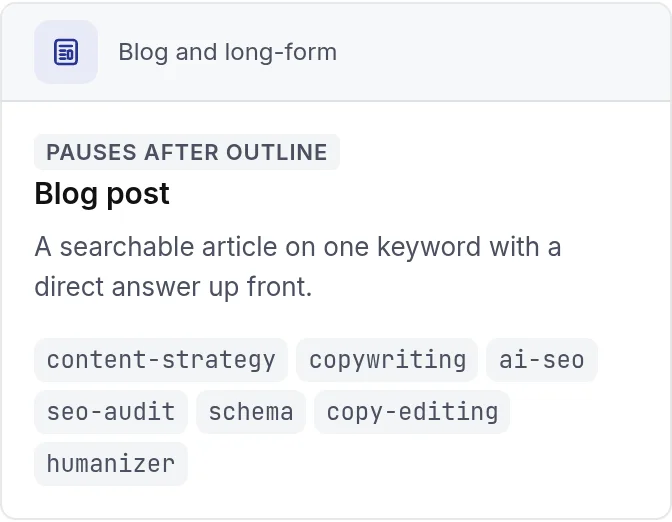
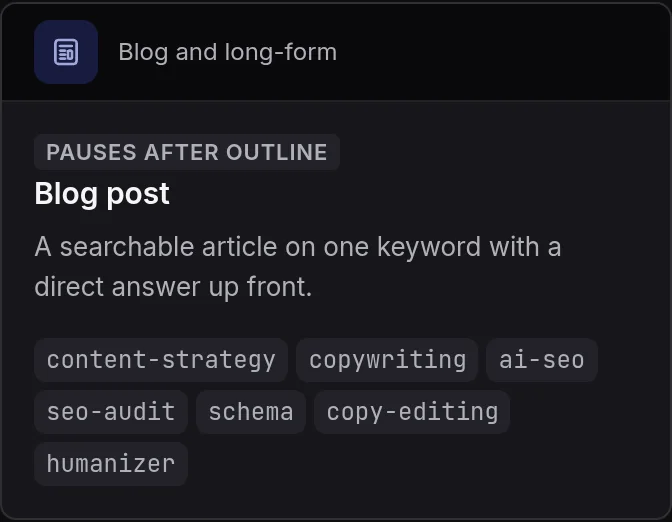
- 1The chain, humanizer last
The brief
Every template shares five fields: the audience, which defaults to the brand's primary decision maker, a persona from the brand document, the call to action, a tone override for a piece that should differ from the brand voice, and notes for the writer. Searchable formats add the SEO fields.
- Primary keyword and secondary keywords, with the search intent and the buyer stage.
- Target length in words, with a default per template from 600 for a landing page to 4,000 for a pillar guide.
- Internal links to place, with anchor text and URL, and competitor URLs to study.
- Required facts the draft must include, along with a source URL and pasted source material.
Describe it in a sentence
The search box on the Templates page takes a plain sentence as well as a name. Type what you want, for example a comparison of us and a competitor for people switching, then press enter. The brief page opens on the closest template with the sentence in the notes. The same routing runs behind the blank brief at New.
Custom templates
Admins can add templates to a workspace. Each custom template has its own name, brief fields, defaults, chain override and example output, but runs the same stages as its content type; only the skills and the brief differ. Custom templates sit in the gallery beside the platform ones and appear in list_templates for the API.
Bulk runs from a spreadsheet
Bulk turns rows into runs. Start a new batch, pick the brand and the template, name the batch, then paste rows or drop a CSV where each row is one brief. Choose how many runs execute at once, and the batch page shows every row's run with its status and a link to the piece. Keyword clusters open a batch the same way from the Keywords page.
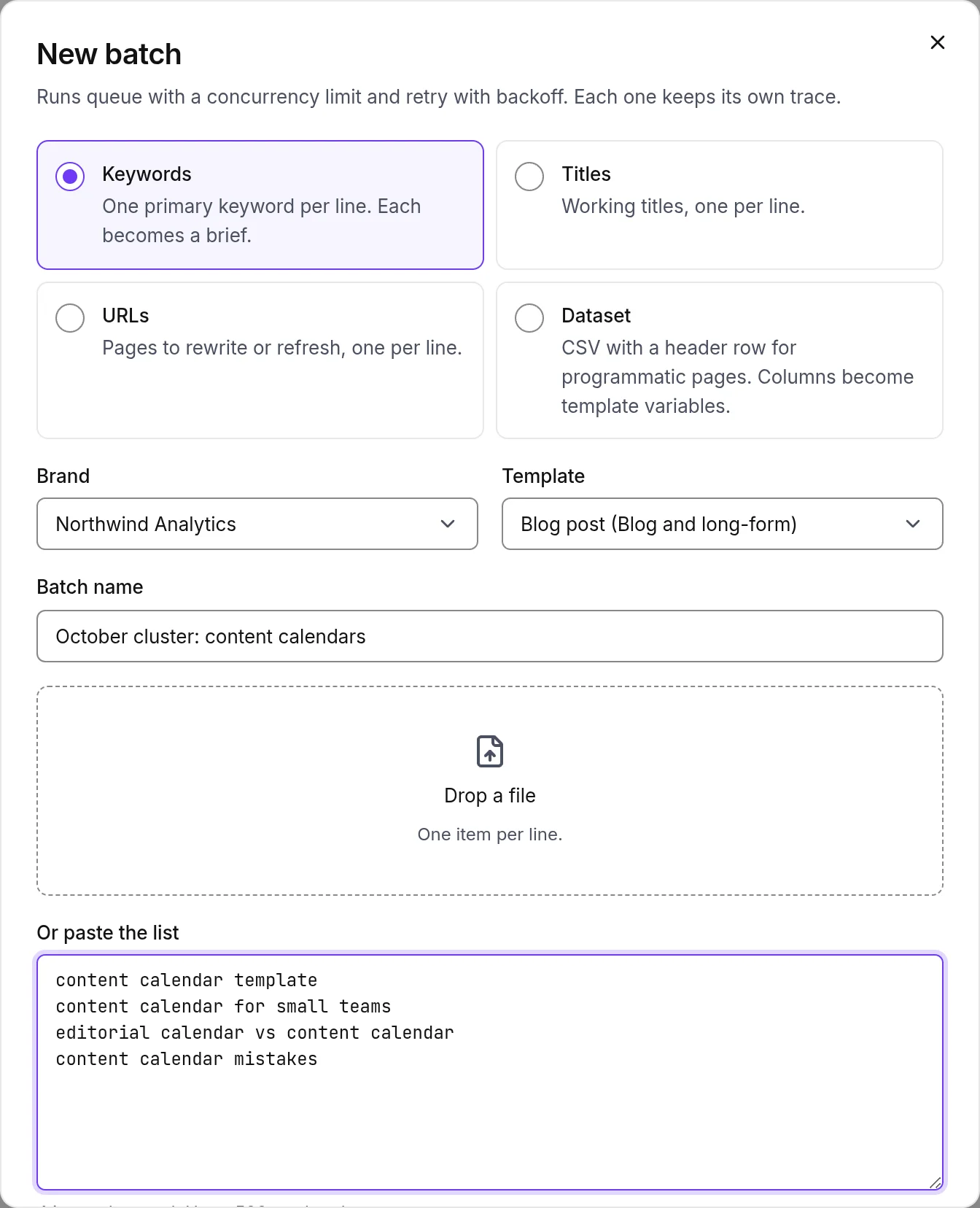
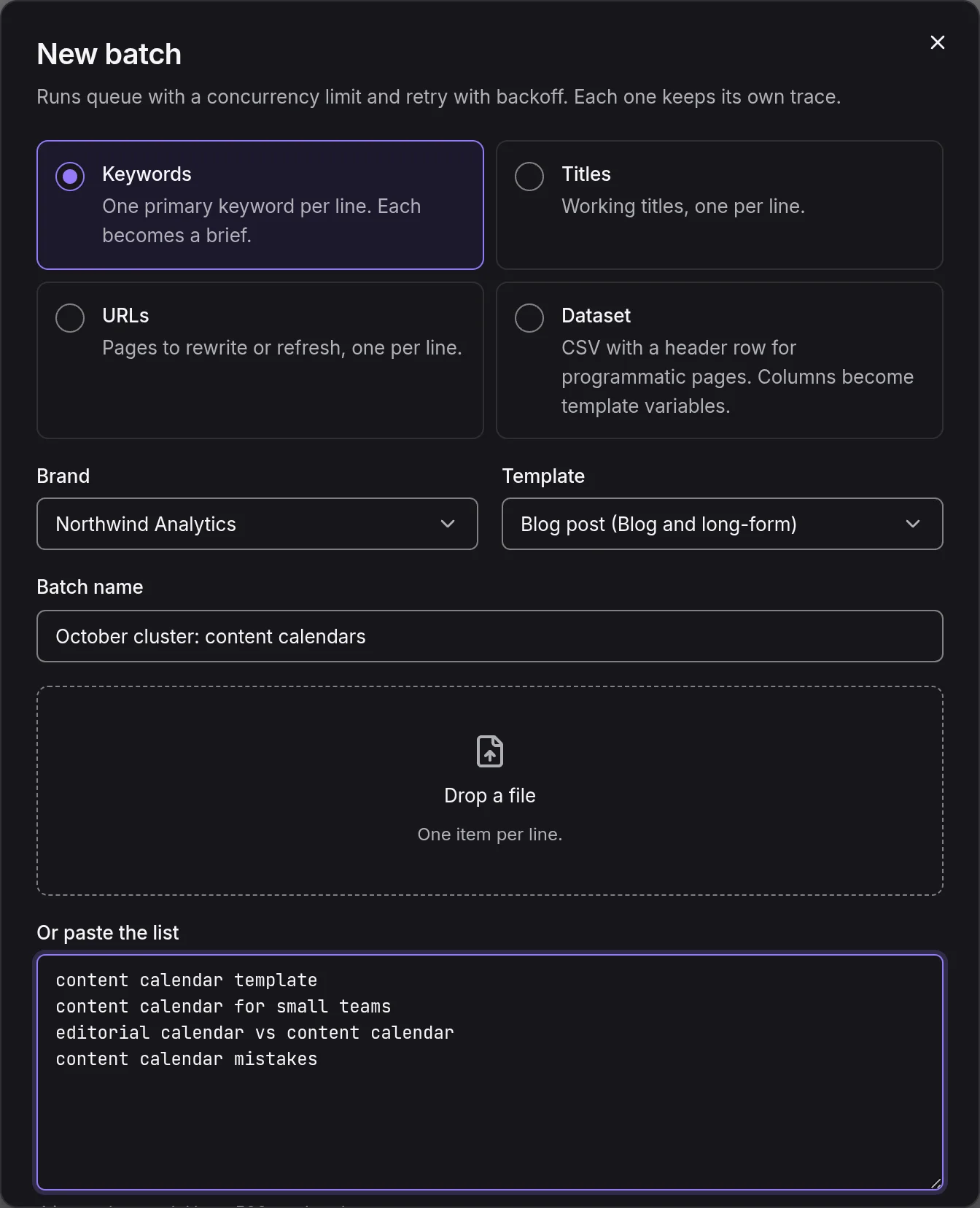
- 1Brand, template and batch name
- 2Rows pasted or a file dropped
Repurpose and translate
From a finished piece, Repurpose or translate opens a batch that writes new formats from it: a LinkedIn post, an X thread, a newsletter, a short video script and a carousel outline, each through its own chain and the humanizer. Translate produces the piece in any of twelve languages with the same voice rules; localization is on the Pro plan and above.
Something missing or wrong on this page? Write to hello@writerdean.com and say which section.