Guide
Keyword research and on page SEO
Updated Sep 25, 2026 · 7 min read

Search work in WriterDean happens in three places: the Keywords page, where you add keywords by research or CSV import, then cluster them; the SEO layer inside every run, which sets the title and the meta description as well as the structure; and the analytics and refresh loop that watches published pages. This guide walks all three.
Keywords
Add keywords by hand, import a CSV from any tool, or research a seed term. Research runs through DataForSEO, Semrush or Ahrefs when a key is configured for the workspace's deployment and returns volume and difficulty; without a provider the page marks its numbers as placeholder data so nobody plans on them.
Clusters
Clustering groups keywords by the meaning of the phrase, not the words in it, using embeddings. Each cluster gets a pillar, the keyword that best represents the group, and supporting keywords around it. Plan the series turns a cluster into a batch: one pillar piece and one supporting piece per keyword, with the internal links between them planned in the briefs before a word is drafted.
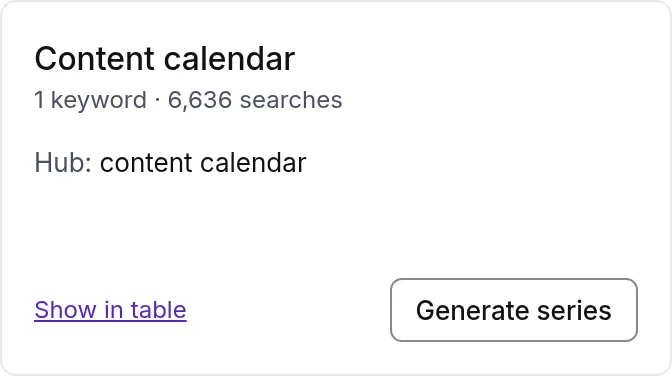
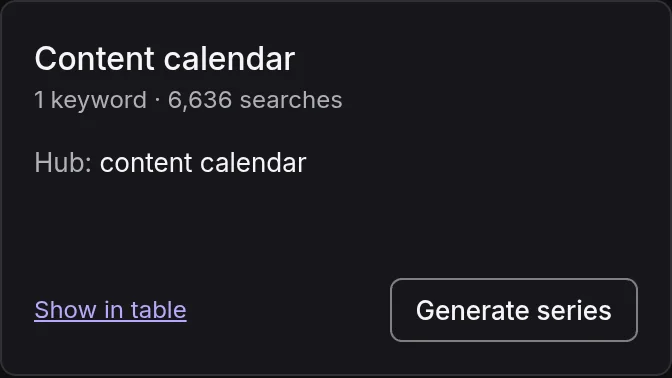
- 1The pillar
- 2Plan the series
The SEO layer in every run
After the draft, the SEO layer stage applies the AI SEO and on page rules without changing the meaning of the piece. It confirms a direct answer in the first paragraph, tightens the planned answer blocks to 40 to 60 words, adds a comparison table to a versus piece, sets the FAQ questions as headings, and keeps statistics dated and sourced.
- A title of 50 to 60 characters with the keyword near the front.
- A meta description of 140 to 155 characters that contains the keyword.
- A lowercase hyphenated slug with the keyword, and short share text.
- JSON-LD for the page: Article or BlogPosting plus FAQPage, HowTo for how to pieces, Product for ecommerce.
The SEO panel in the editor shows the on page checklist for the current version with a score, and the same checklist is available for any markdown through POST /v1/seo/check. After the humanizer runs, the SEO preservation gate confirms the keyword survived the rewrite, along with the headings and the internal links.
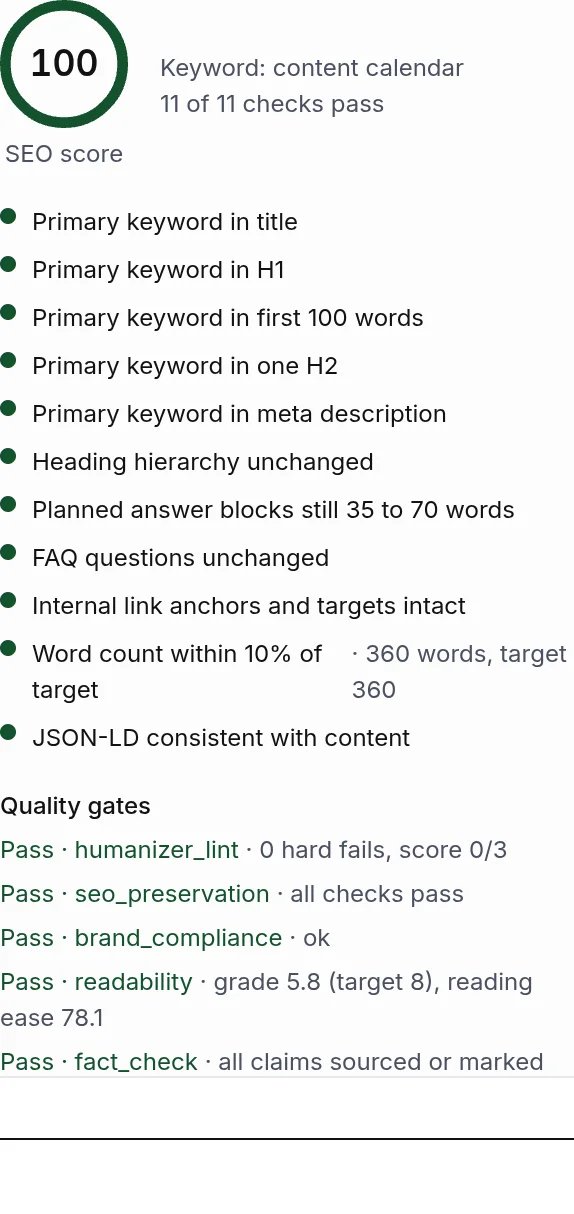
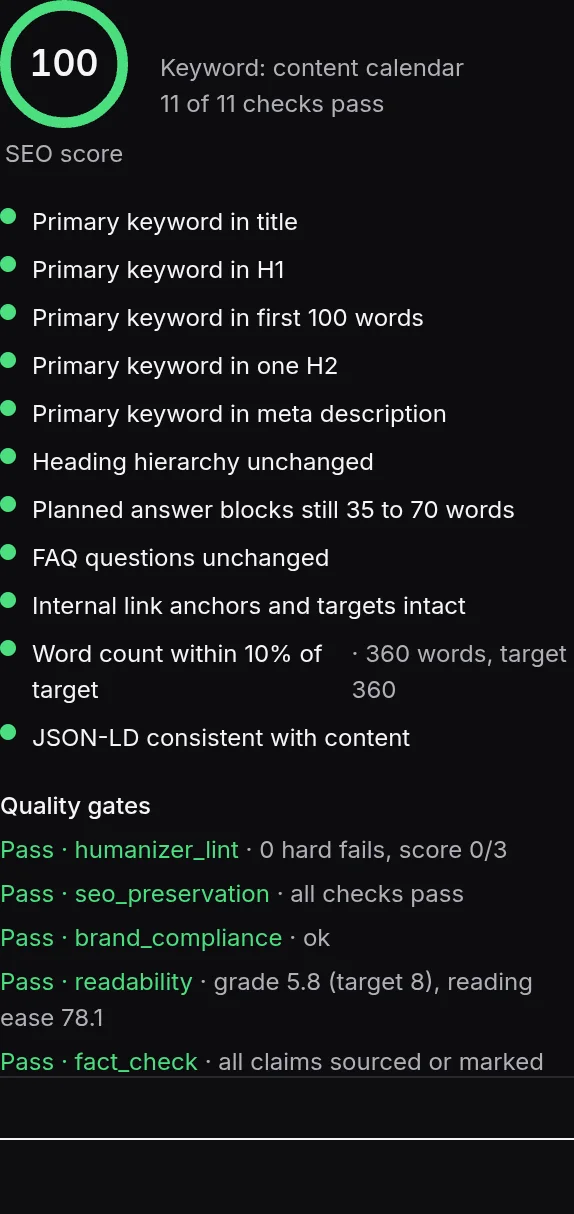
- 1One check with its detail
Internal links
Each brand has a knowledge base of its published pieces with embeddings, so a brief can name internal links to place and the editor can suggest pieces to link from a paragraph. The draft uses the exact anchor text and URLs the brief gives it, and the link validation gate flags anything that looks like a placeholder.
Search Console and GA4
Connect Google Search Console and GA4 under Analytics to pull clicks and impressions as well as sessions back onto each published piece. The connection is on the Regular plan and above. With data flowing, the Analytics page shows which pieces climb and which slip.
Refresh
A published piece is marked needs refresh when its metrics decay or when it has not been updated in six months and there is no analytics to say otherwise. A refresh run reads the live page and the current version as source material and produces a new version that keeps what still works; the diff in the editor shows what changed. Refresh runs and the refresh sweep automation are on the Pro plan and above.
Something missing or wrong on this page? Write to hello@writerdean.com and say which section.